
Installing additional content like resource packs or behavior packs is the best way to add fun and personality to your Bedrock server through new mechanics, textures, or even enemies. In this post you will learn how to install .mrpack files while keeping your world and progress step by step.
Preliminary steps
First of all, we recommend creating a backup of your server. At Zelora you can easily do this from the control panel by clicking on Backups > Create Backup.
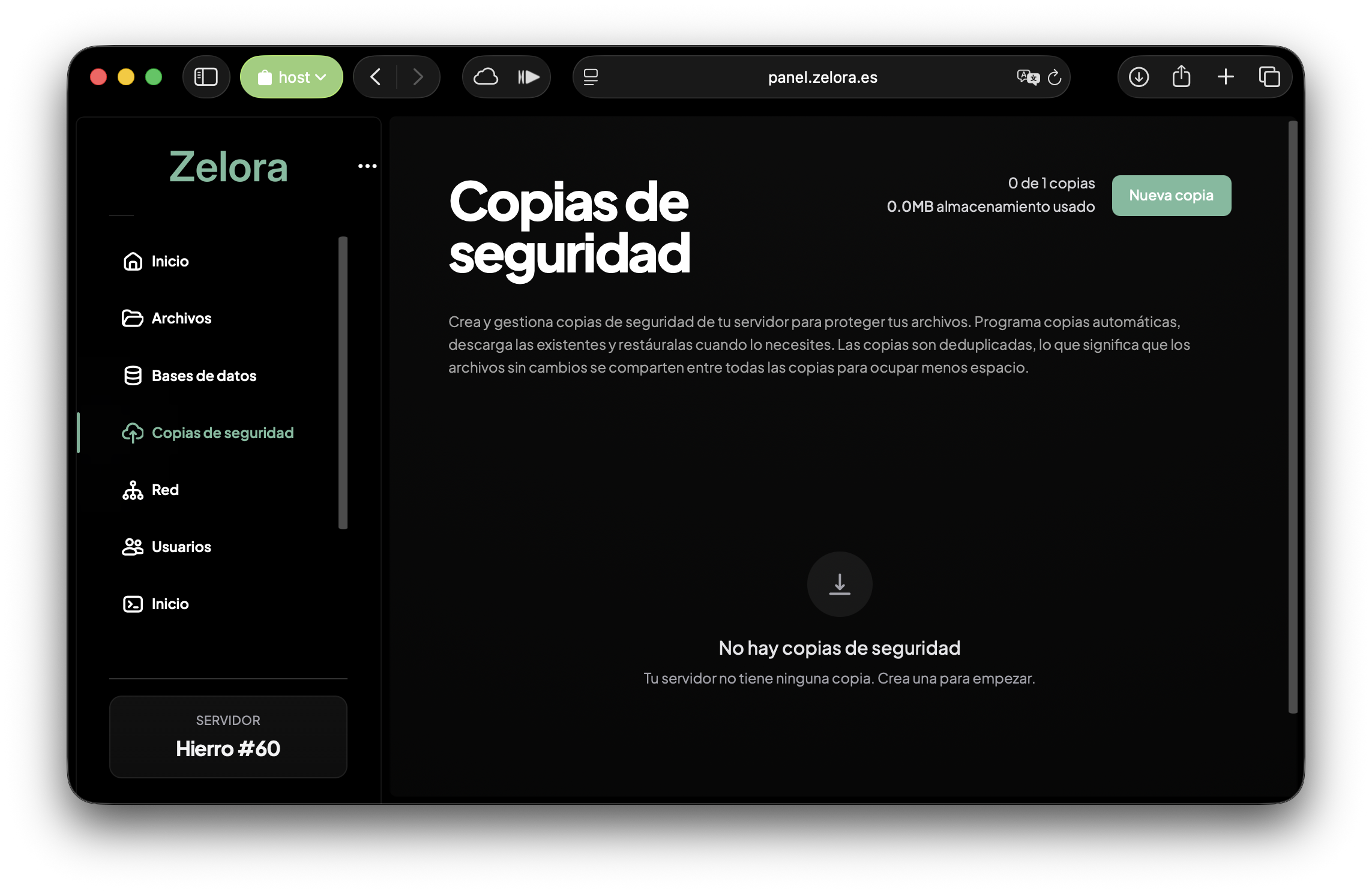
Having a backup is essential to be able to go back in case of any unforeseen event.
Prepare the files
You can prepare the necessary files using our free web-based tool. The files are processed locally on your device securely.
> Go to the tool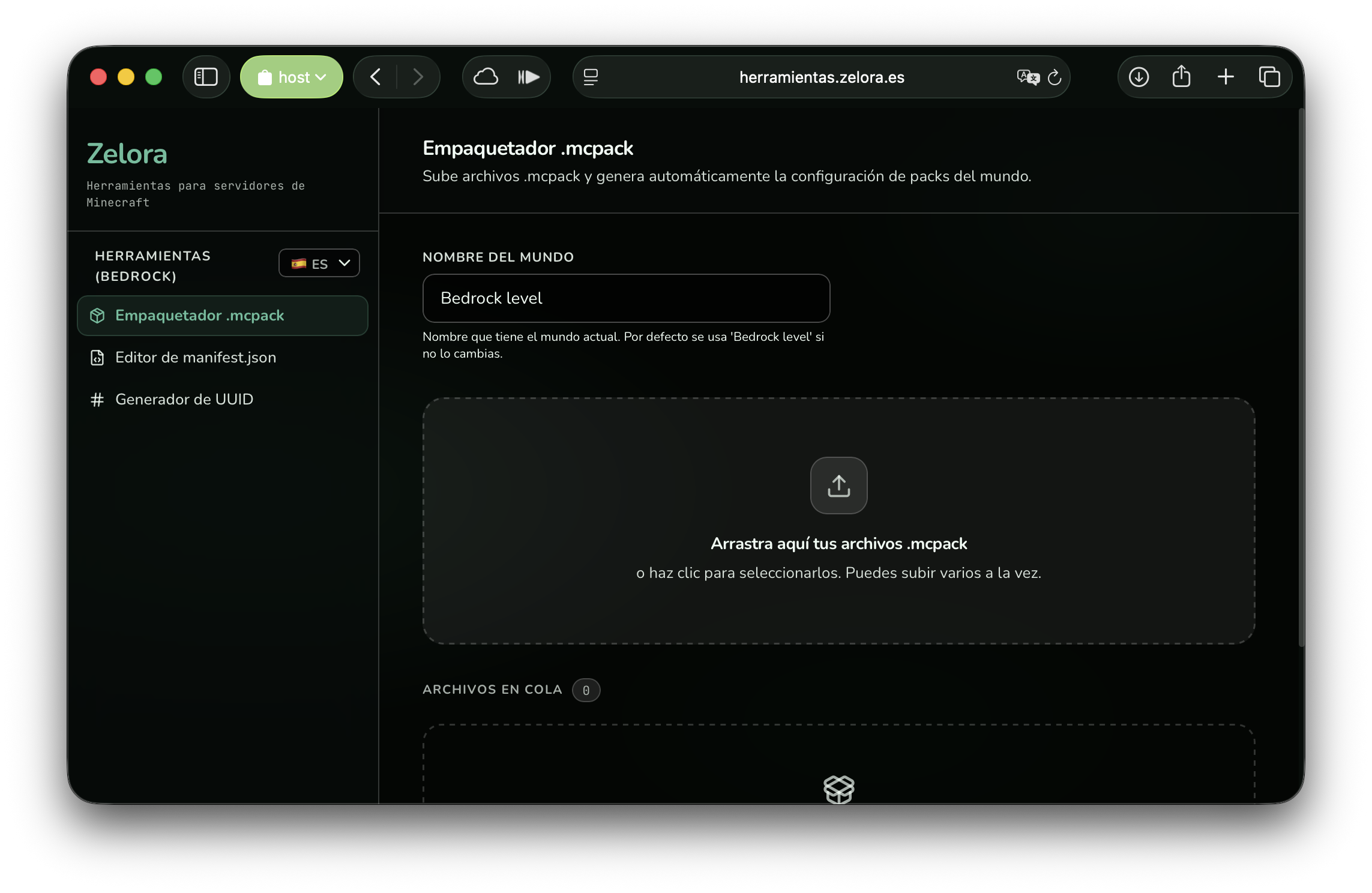
First we will select all the .mcpack files we have downloaded:
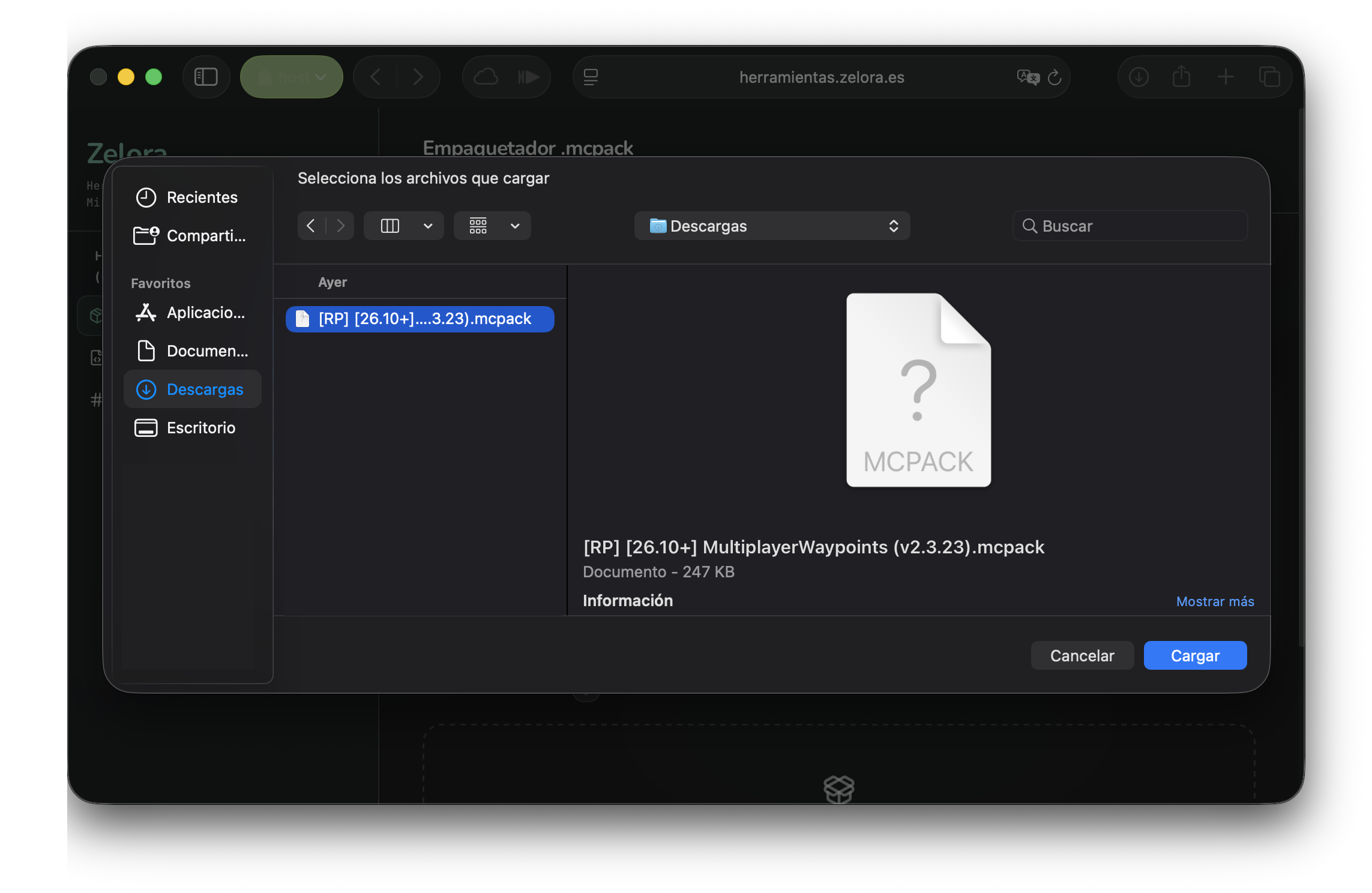
If you already have add-ons installed on your server and want to keep them, you must also import the following files following the same procedure:
- /worlds/<your world>/world_behavior_packs.json
- /worlds/<your world>/world_resource_packs.json
If you used the tool previously, you can also import the generated .zip file for greater convenience.
Generate and upload the file
Once you have all the add-ons added to the tool, you can click on the Generate .zipbutton to get the file along with instructions to upload it with the correct structure.
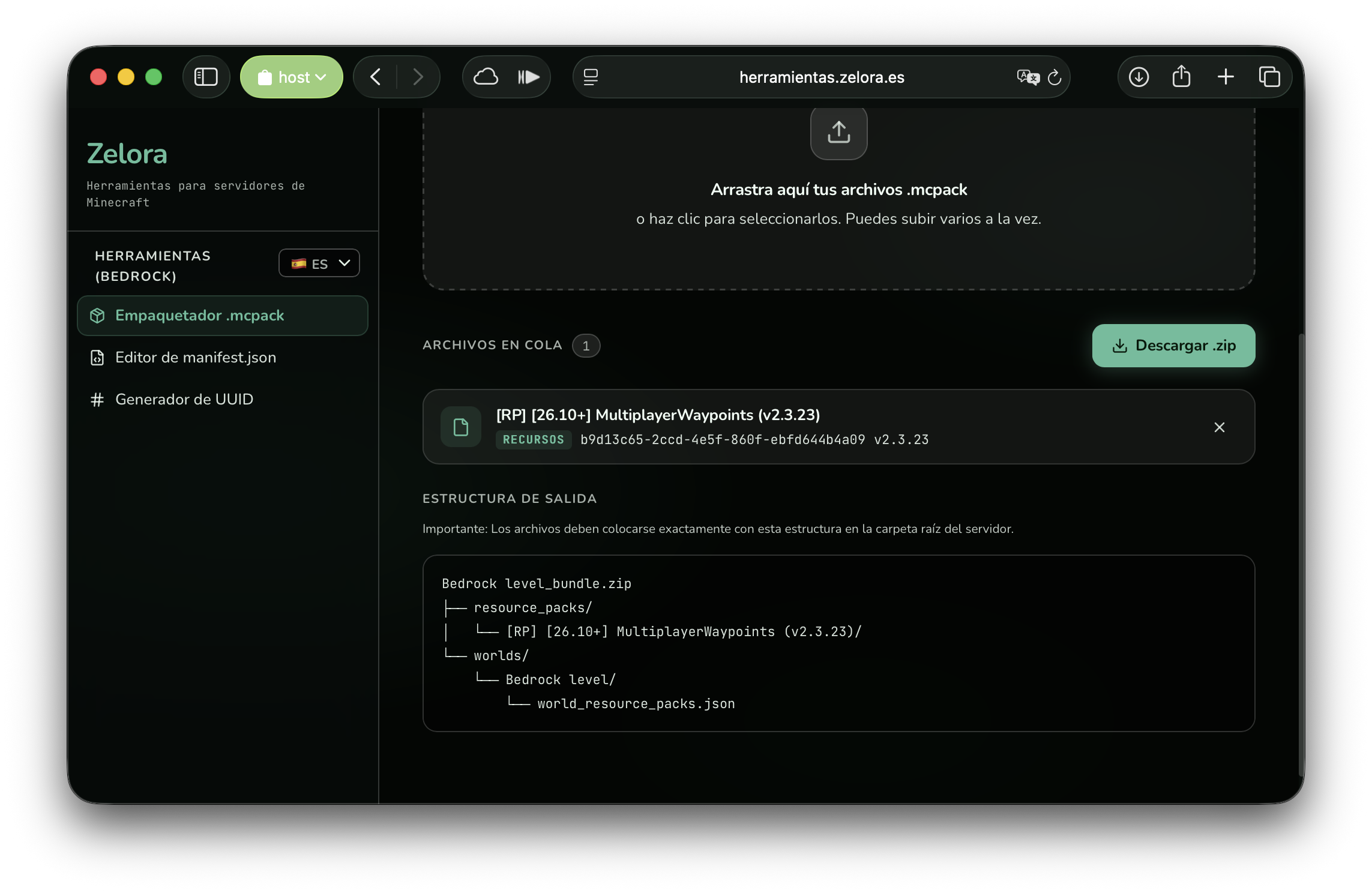
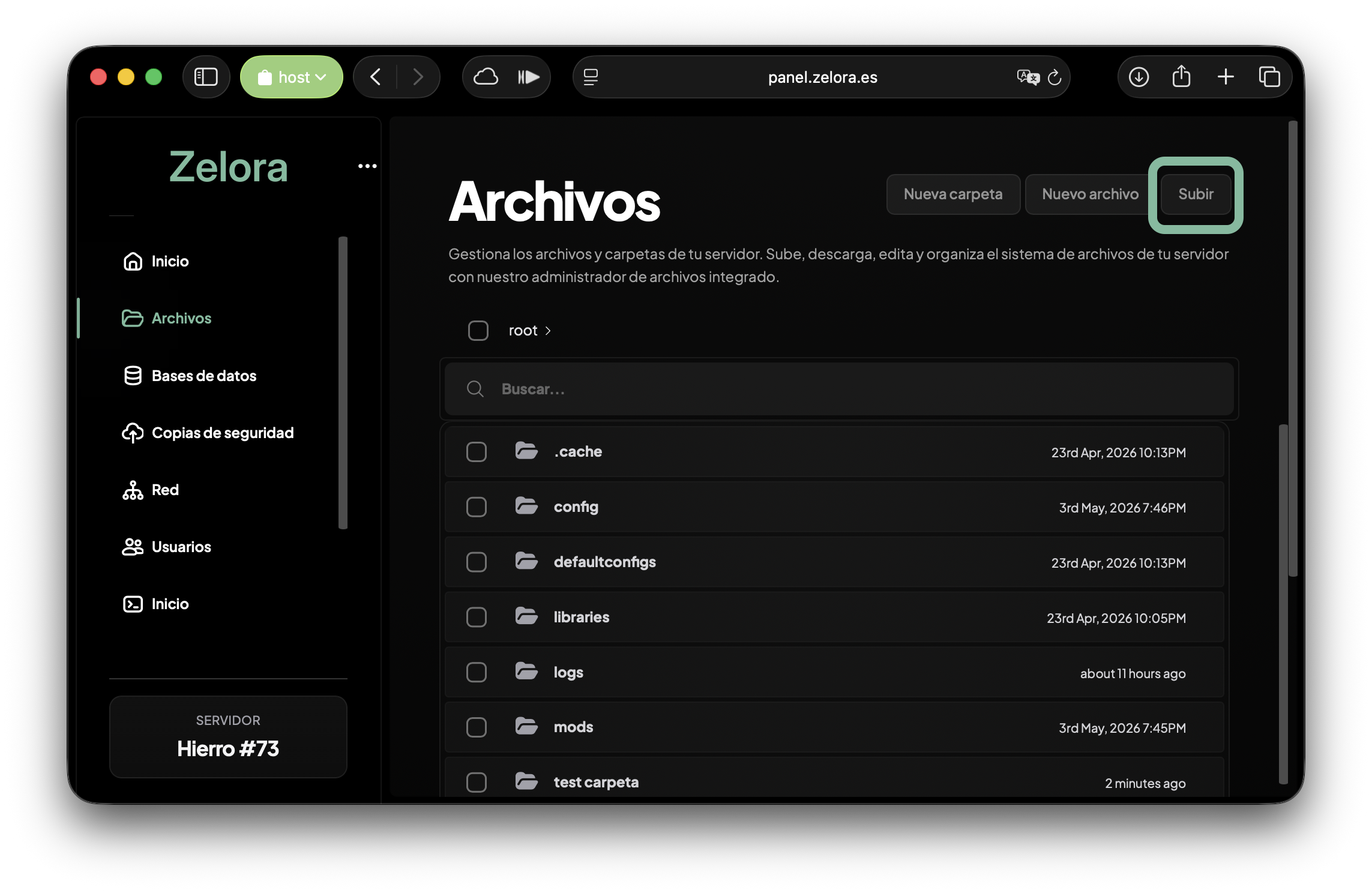
With the generated file, you can click on the Download .zip button and upload it to the server's root folder (/). If you use the Zelora panel, you can do this in a matter of seconds from the file manager.
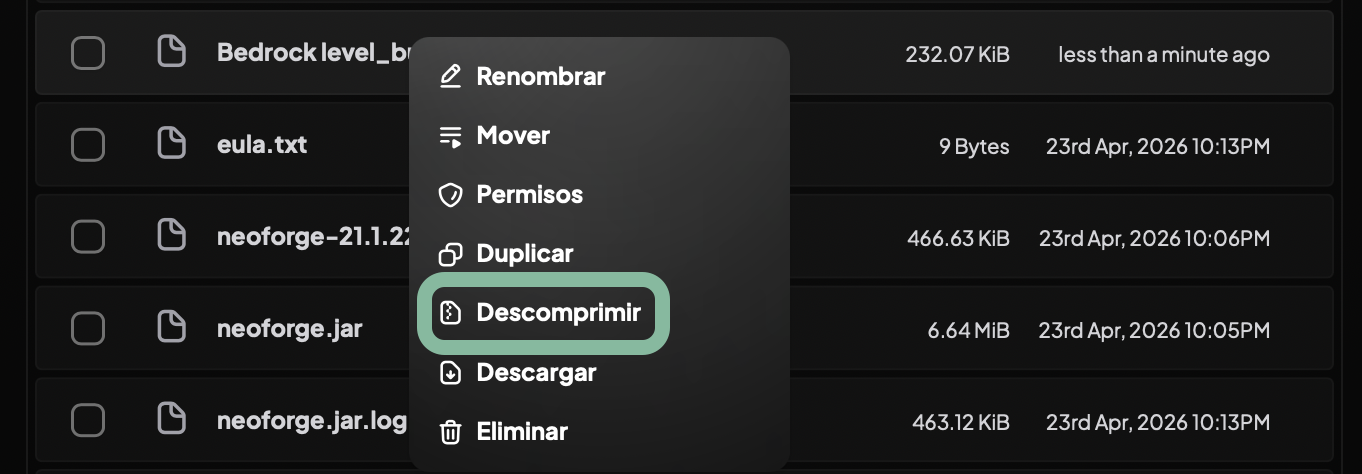
The last step is to unzip the file in the server's root folder.
Start and verify
With the process completed, all that remains is to start the server and verify that everything is in order. In the event of any inconvenience, you can restore the backup to return to the last save point.
If you followed the steps correctly, you can now enjoy your add-ons in Minecraft Bedrock. Do you have any questions or did a problem arise? Write to us and we will help you!